Connect the sub-account
Add the HighLevel location your team is authorized to manage. Agency Dash Pro validates the connection and keeps the credential encrypted in the application.
Implementation, made clear
Agency Dash Pro keeps the setup straightforward: authorize the account, choose its reporting experience, and place one stable embed where your client already works.
The implementation path
Add the HighLevel location your team is authorized to manage. Agency Dash Pro validates the connection and keeps the credential encrypted in the application.
Select the dashboard family that matches the client’s reporting goal, then apply the supported presentation settings for that account.
Copy the generated iframe into the HighLevel dashboard widget to make a curated Agency Dash Pro dashboard the account’s primary reporting view.
Step 01 · Connect
Connect the selected HighLevel sub-account from your Agency Dash Pro workspace. This creates the reporting source for that client and gives your team one place to monitor its setup and status.
Step 02 · Select
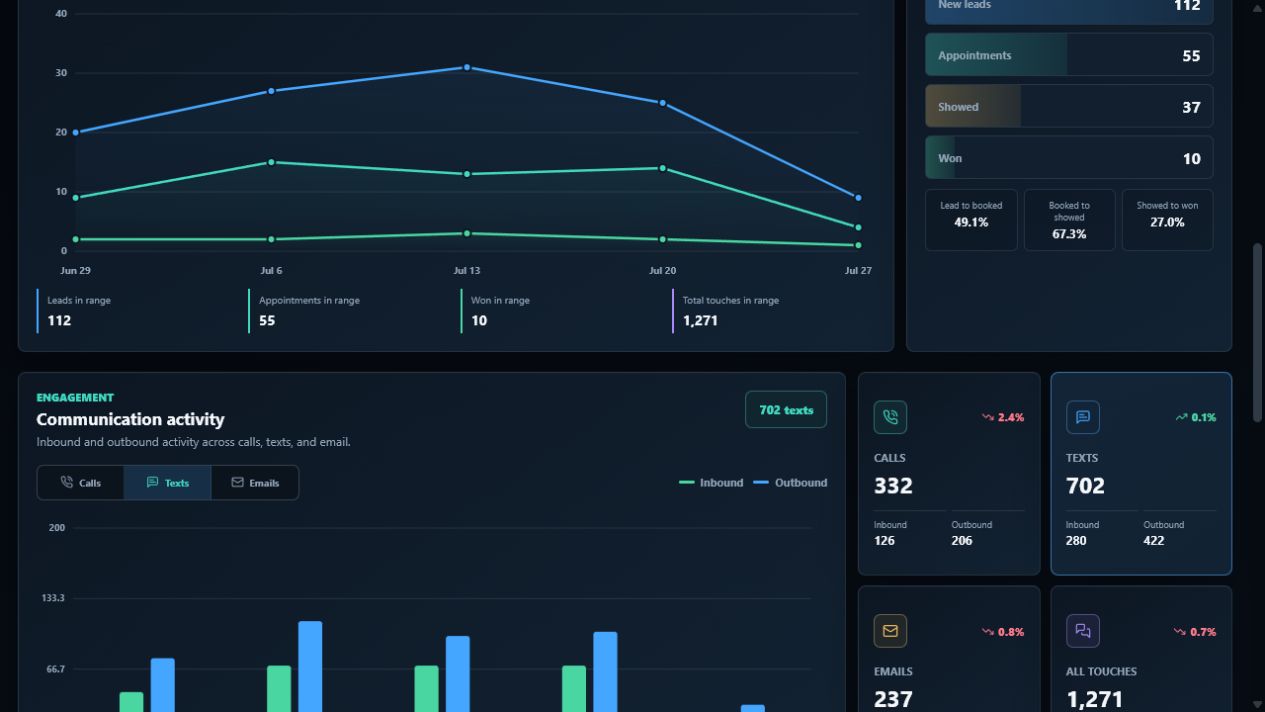
Select a dashboard family that fits the account’s reporting needs. The goal is not more charts—it is a clean view of the activity, pipeline, appointments, and results that matter for that client.
Step 03 · Embed
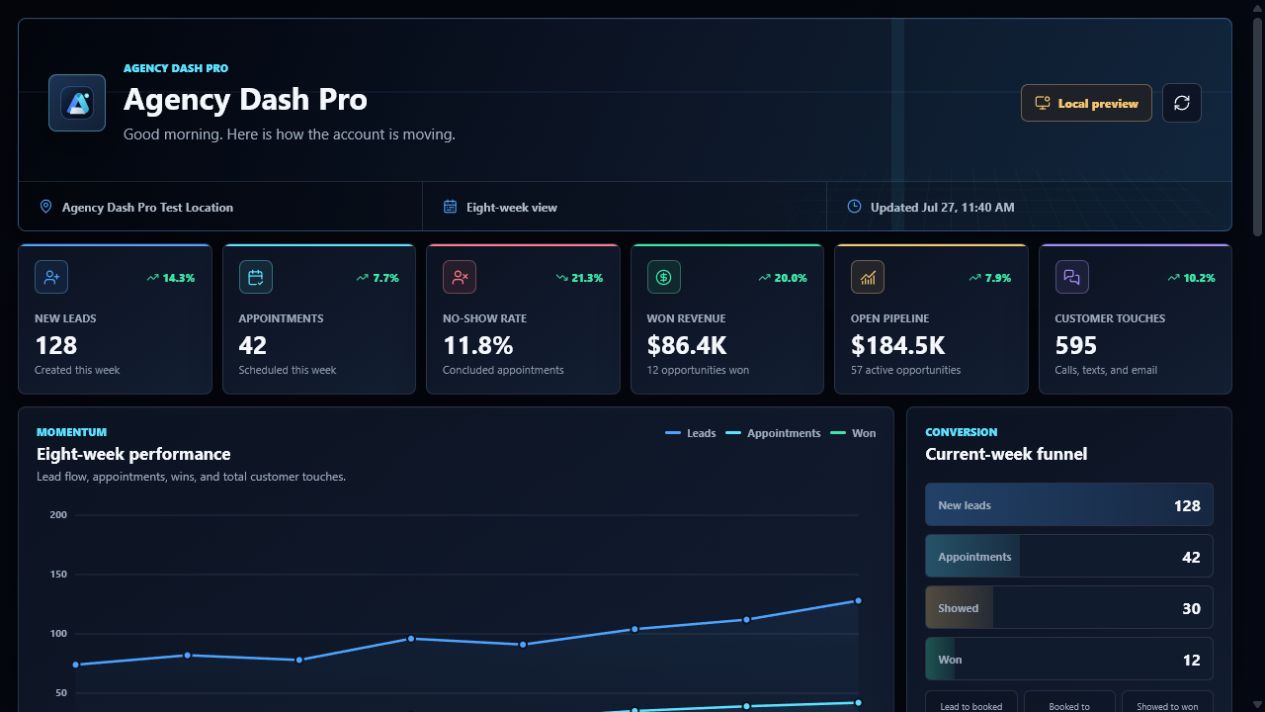
Copy the generated embed code, open the sub-account’s dashboard widget in HighLevel, and paste it in. The embedded dashboard becomes a polished, client-facing reporting destination inside the CRM.
Ready to set up your first account?